
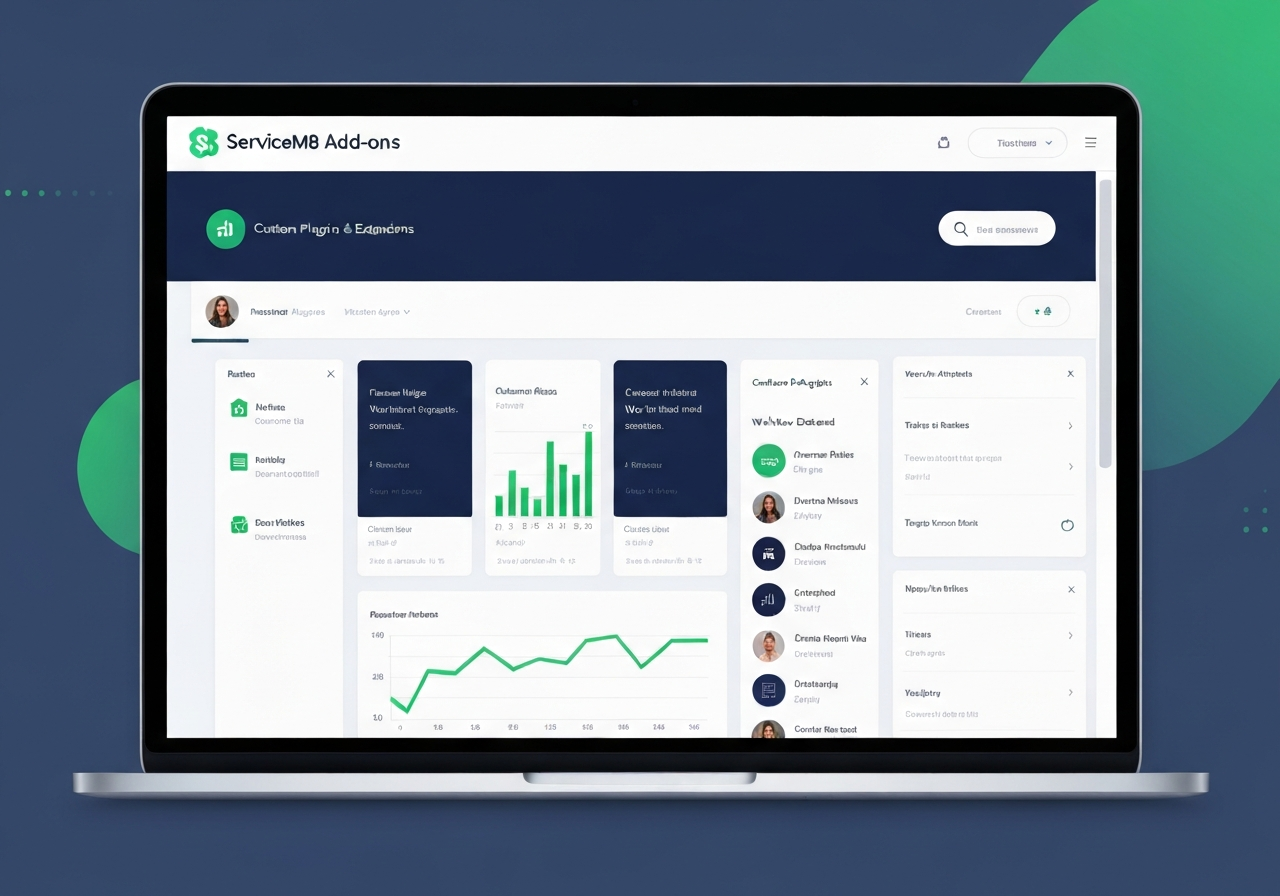

Custom ServiceM8 Add-ons for Trade & Service Businesses
We build custom ServiceM8 add-ons that extend what the platform can do — automating data capture, integrating external systems, and adding industry-specific workflows that ServiceM8 doesn't offer out of the box.
What ServiceM8 add-ons can do
ServiceM8 add-ons are custom extensions built by third-party developers (like us) that appear inside the ServiceM8 app. They can connect to external services, auto-fill job data, trigger workflows, and do things ServiceM8 doesn't support natively.
- Look up external data sources from inside ServiceM8
- Auto-populate job fields from external APIs
- Trigger workflows based on job status changes
- Add custom dashboard widgets to ServiceM8
- Integrate third-party services into job diary entries
- Automate data capture that ServiceM8 doesn't do natively
When does a business need a custom add-on?
When your business has a workflow that ServiceM8 doesn't support natively — like looking up vehicle registrations, connecting to an industry database, or triggering actions in an external system when a job status changes.
If your team is doing a manual step that feels like it should be automated, it's probably something a custom add-on can solve. Book an intro call to discuss.
Discuss a Custom Add-onAvailable Add-ons
Ready-to-activate ServiceM8 add-ons built by Get In The Cloud

QLD Rego Lookup
Check Queensland vehicle registration details inside ServiceM8 and save details to the job diary.

Webhook Manager
List, create, edit, test, reactivate and delete your ServiceM8 event webhook subscriptions — connect Zapier, Make, n8n, CRMs and your own servers from one screen.
Calendar Invite
Create a calendar file from a job's upcoming bookings and email it to your customer with the scheduled times and an attachment.
Custom add-on development process
How we turn your workflow requirement into a fully functional ServiceM8 add-on.
Discovery
We understand your workflow need and what the add-on must do.
Scope
We define inputs, outputs, integrations, and business logic.
Build
We develop and test the add-on against your ServiceM8 account.
Test
We run end-to-end testing in a staging environment.
Deploy
We submit and publish the add-on for your account.
Support
Ongoing updates and support as ServiceM8 evolves.
Frequently Asked Questions
Need a custom ServiceM8 add-on?
Book an intro call and we'll scope out what's possible for your specific workflow.